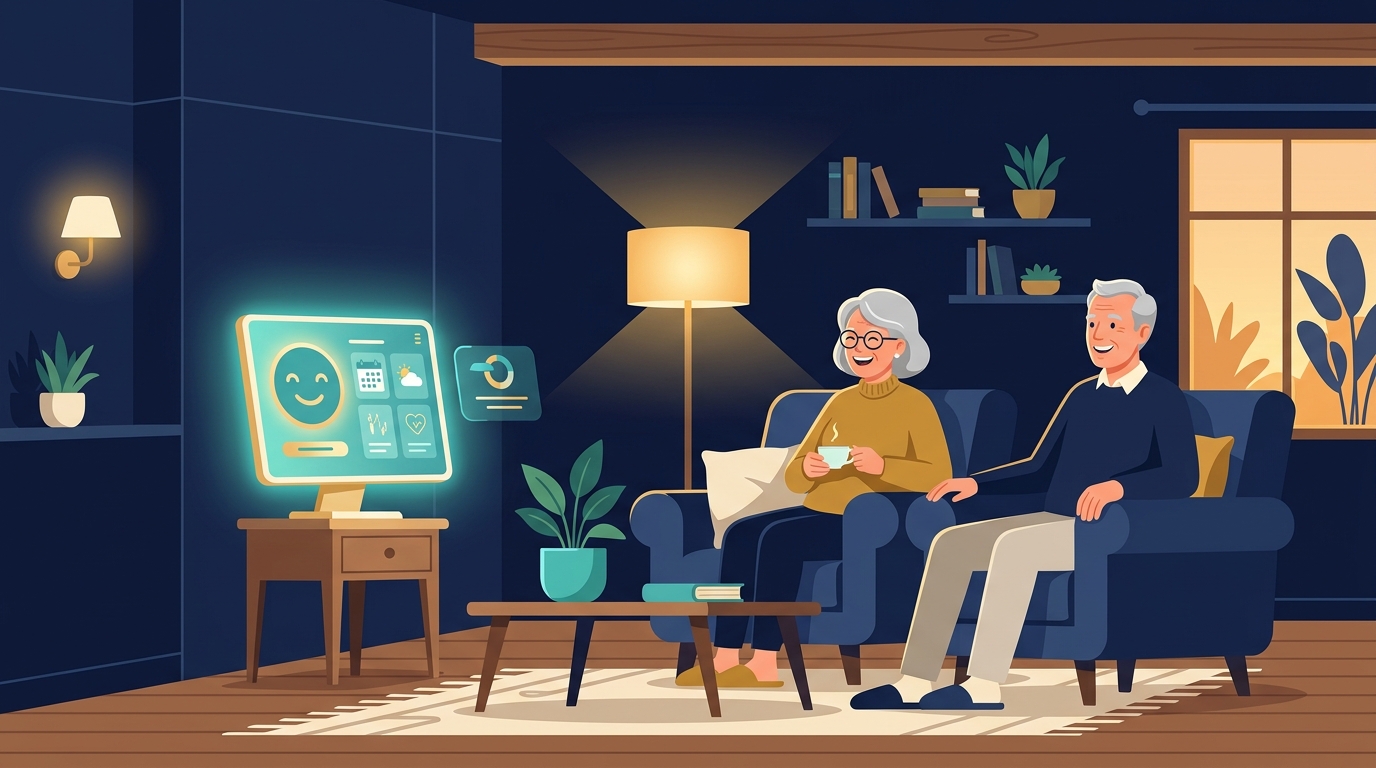
The phone rings at 7:40 on a Tuesday evening. A daughter is researching assisted living for her father and has three questions: what memory care costs, whether a studio is available, and if weekend tours are possible. In most senior living communities that call rolls to voicemail. The family calls two other communities before breakfast, and one of them answers. That is how move-ins are won and lost in 2026, and it is exactly the gap AI agents for senior living communities are built to close.
Why senior living operators are deploying AI agents in 2026
The buying cycle for senior living is unlike almost any other. The person who makes the decision is usually an adult child, researching in the evenings after work, comparing three to five communities over several weeks. A 2026 analysis from NuAIg put it plainly: prospective residents and their families are showing up with more AI familiarity than most communities are prepared to meet them with. The gap between what families expect — instant answers, any hour, any device — and what a small admissions team can deliver is the single biggest reason inquiries leak.
The other side of the equation is staffing. Communities that need caregivers are competing for the same applicants as hospitals and home care agencies. Alita Health, which builds agents for the sector, describes the twin problem neatly: AI agents for senior living answer, qualify, and route both caregiver applicants and family inquiries across chat, SMS, phone, and social media, 24 hours a day. One system, two pipelines, both running while the human team sleeps.
The market numbers explain the urgency. The AI-powered elder care market is projected to reach $208 billion by 2032, growing at a 25.26% compound annual rate, according to the AI Magicx 2026 guide for older adults and caregivers. Operators who treat AI as a front-office experiment are already behind operators who treat it as an admissions channel.
The five jobs an AI agent does for a senior living community
Before choosing a tool, it helps to see the full job description. A properly configured agent covers five distinct workflows:
1. Family inquiry triage. Most first contacts are basic questions: care levels, pricing, amenities, lifestyle, pet policy, memory care availability. Hyperleap, which runs agents for 55-plus communities and assisted living facilities, uploads community information and lets the AI answer exactly these questions around the clock. The admissions director stops repeating the same ten answers ten times a day.
2. Tour booking. The tour is the moment a community converts an inquiry into a visit. Modern agents integrate directly with Calendly and Cal.com — the USR Engage senior living chatbot comparison from April 2026 lists calendar integration as a table-stakes feature. Platforms like Further go further: their AI SMS books tours automatically, schedules next steps, and qualifies prospects before a human ever touches the conversation.
3. Caregiver applicant routing. The same agent that answers family calls can screen employment inquiries. It collects experience, certification status, availability, and shift preferences, then routes qualified applicants to the recruiting team with a summary attached. Communities that post one open caregiver role can receive dozens of applications a week; the agent turns that flood into a shortlist.
4. After-hours coverage. Senior living questions do not follow office hours, and neither do family emergencies. An agent on the phone line and website chat means the 6 PM call about a weekend tour gets answered at 6 PM — not at 9 AM the next day, by which point the family has booked a tour elsewhere.
5. Move-in and family updates. After a deposit, the relationship shifts to logistics: paperwork, move-in dates, what to bring. Agents push reminders and updates over WhatsApp and SMS, which keeps families informed without tying up the business office. This is the same playbook small businesses across other industries use for appointment follow-up, and it is the quietest source of goodwill a community can build.
The 5-step setup playbook for senior living
Implementation does not require a data science team. The pattern that works across mid-sized communities looks like this:
Step 1: Map your inbound channels. List everywhere inquiries arrive today — phone, website chat, Facebook, Google Business Profile, email. Decide which two or three channels the agent will cover first. Phone and website chat are the usual starting pair, with WhatsApp or SMS added once the knowledge base is solid.
Step 2: Build the knowledge base. This is 80% of the work. Write down the answers your admissions team gives most often: base pricing and what it includes, care levels and what changes between them, memory care criteria, deposit and refund policy, tour availability, community rules, meal plans, and the move-in checklist. The agent can only answer what it has been given. A community that skips this step gets an agent that sounds confident and wrong — which is worse than voicemail.
Step 3: Define handoff triggers. Decide exactly when the agent transfers to a human: tour requests, pricing negotiations, clinical or medical questions, and anything involving an emergency. Alita's guidance is worth copying: the agent handles the first response and initial screening, then hands qualified families and applicants to human staff for tours, interviews, and decisions. If the agent never escalates, families get frustrated; if it escalates everything, your team gains nothing.
Step 4: Connect the booking layer. Point the agent at your tour calendar. Whether that is Calendly, Cal.com, or the CRM your community already uses, the agent should offer three available time slots and confirm the booking in the same conversation. Communities using this pattern see tours booked at 10 PM on a Sunday — an hour that never produced a single tour before.
Step 5: Measure what matters. Track four numbers from day one: answer rate (percentage of calls and chats handled without voicemail), time-to-first-response, tour conversion rate from inquiry, and caregiver applicants qualified per week. Review them monthly. The goal is not to maximize automation — it is to make sure every family that reaches out gets a fast, accurate, warm first answer.
What an AI agent does not replace
The senior living space has a healthy skepticism about AI, and much of it is justified. Senior Housing News reported in late June that operators are finding both good and bad in the new AI platforms — some tools save hours, others create more work than they remove. The difference usually comes down to setup quality, not the technology.
"Trust is the product here as much as care is," the NuAIg analysis concluded. Families are handing over a parent or spouse; they need to feel the community is attentive, not automated. That is why the human handoff points matter more than the AI itself. The agent's job is to buy your team time and never to impersonate a human decision-maker. Tours, pricing conversations, and anything clinical stay firmly with people.
Used the right way, the economics are straightforward. One agent license replaces the cost of missed calls, not the cost of staff. The admissions team still does tours and closes move-ins; they just stop being phone operators. If you already run this kind of agent in another service business, the senior living version will feel familiar — it is the same inquiry-to-booking funnel with a higher emotional stake. AI agents for gyms and fitness studios use the same pattern to cut no-shows, and AI agents for property management turn inquiry spikes into scheduled viewings. A senior living community runs the same funnel with longer sales cycles and far bigger ticket values.
Frequently asked questions about AI agents in senior living
Will an AI agent replace my admissions team? No. The agent handles the first response and initial screening, then hands qualified families and applicants to human staff for tours, interviews, and decisions. Communities that try to automate the entire admissions conversation lose the personal touch that families are actually buying. The agent wins the response; the team wins the move-in.
How long does setup actually take? Most communities go live in one to two weeks. The calendar is dominated by the knowledge base — writing down pricing, care levels, amenities, and move-in steps takes longer than connecting the phone line or the chatbot. The technical configuration is usually a day of work; the content is the rest.
What should the agent never handle? Anything clinical, anything involving an emergency, and any pricing negotiation beyond the published rates. Those conversations go straight to a human. A good agent is trained to recognize the words "medical," "doctor," "emergency," and "fall" and transfer immediately, because a delayed transfer in those situations is a real-world harm, not just a lost lead.
How much does it cost? Agent platforms for service businesses typically price per channel and per conversation volume, and most mid-sized communities can start with one channel for less than the cost of a single month of missed after-hours calls. The ROI benchmark to watch is simple: one extra move-in per quarter pays for the entire system for the year.
Getting started
Start smaller than you think. Pick the phone line or the website chat, build the knowledge base for one community, and let the agent handle after-hours for two weeks. Measure the answer rate before and after. Most operators are surprised by how many after-hours calls exist — and how many of those callers were never going to leave a voicemail.
The channels matter as much as the agent itself. WhatsApp is where families already are, and businesses of every size are using it for customer communication — the same approach that works for WhatsApp automation for small businesses applies to resident families. On the phone side, AI voice agents for business use cases handle the after-hours calls that otherwise go to voicemail. Both plug into the same knowledge base and handoff rules.
If you want a concrete starting point, AI Invention builds WhatsApp and voice receptionist agents for service businesses — including the inquiry triage, tour booking, and applicant routing pattern described above. The setup follows the same five steps: channels, knowledge base, handoff rules, booking connection, and measurement. Most communities go live with the after-hours phone line and web chat first, then add WhatsApp and SMS once the team trusts the handoffs.
The families researching your community tonight will not wait for office hours. The question is whether your community answers at 7:40 PM — or lets the one that does win the tour.