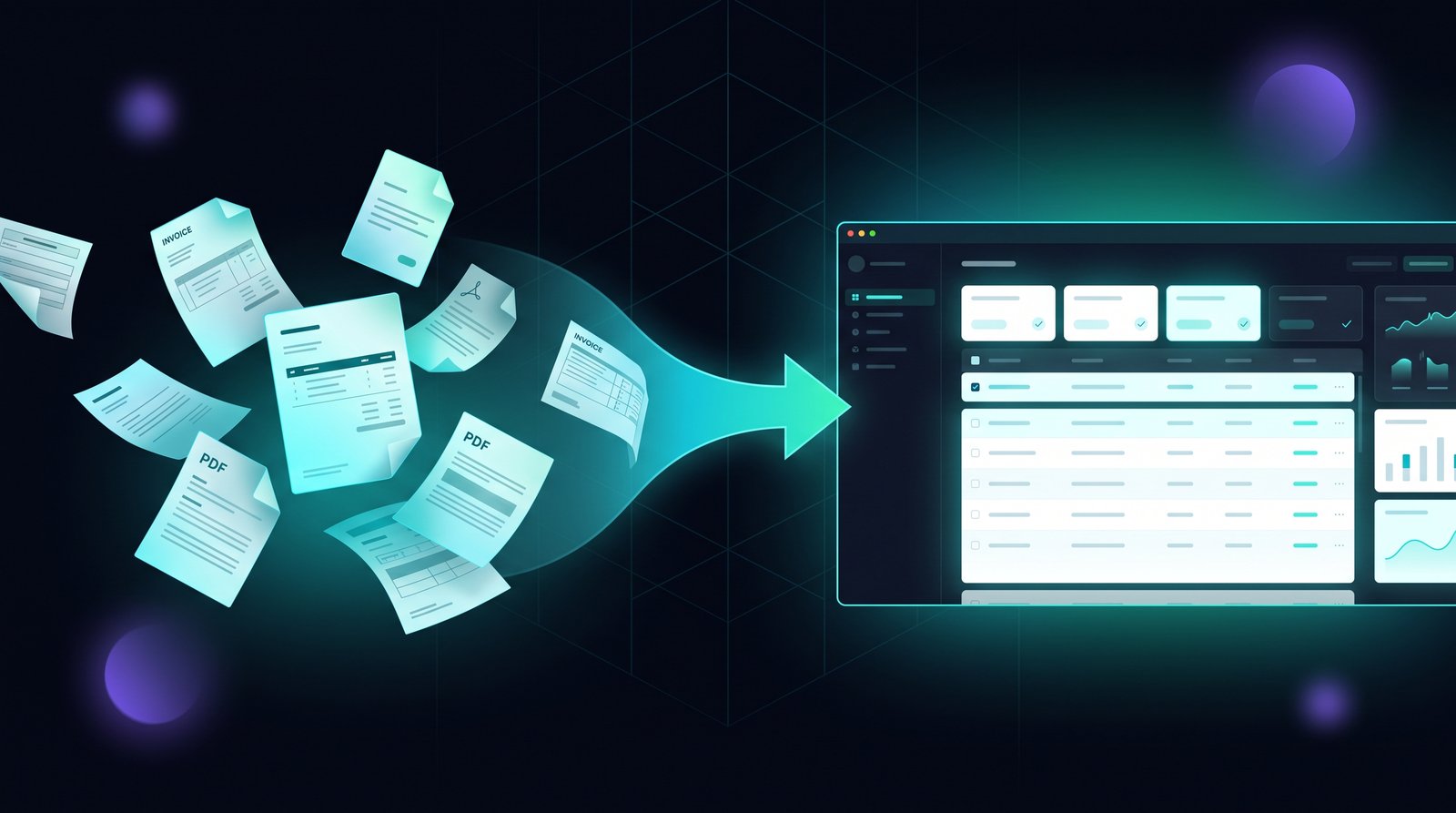
Manual data entry is the quiet tax every small business pays. Invoices typed into accounting software, form responses copied into a CRM, PDF orders re-keyed into a spreadsheet, customer details entered twice because two systems do not talk to each other.
The numbers are worse than most owners realize. The average employee spends several hours per week on copy-paste and re-keying work — and the manual error rate typically sits around 1%, which means one wrong digit in every hundred entries. In a business processing hundreds of records a week, that is several silent mistakes per day: wrong amounts, wrong addresses, duplicate customers, orders that never make it to the spreadsheet.
AI data entry automation removes the typing without removing the control. This guide explains what it actually is, where it pays off first, how to build a no-code workflow, and how to measure the ROI in your first month.
What AI Data Entry Automation Actually Is
Forget the image of a robot arm tapping a keyboard. Modern AI data entry automation is a pipeline with three stages:
Extract. The system reads your source documents — invoices, PDFs, emails, form responses, screenshots — using OCR combined with an AI model that understands structure. It does not just find text; it understands what each piece of text means. "Invoice number", "due date", "line item total" are recognized as fields, not as random words on a page.
Validate. The extracted fields are checked against rules you define. Is the amount a positive number? Does the email address look valid? Does the customer already exist in your CRM? Records that fail validation get flagged for a human instead of being written blindly into your systems.
Sync. The validated records are written to your destination — a Google Sheet, an accounting tool, a CRM, an inventory system — through integrations or direct API calls.
This is the key difference from older RPA (robotic process automation) tools. RPA replays clicks and keystrokes; if the document layout changes, it breaks. An AI pipeline reads meaning, so a slightly different invoice layout still extracts correctly. And because every record passes through a validation step, garbage data does not flow into your books.
Where It Pays Off First (3 Concrete Use Cases)
Not everything should be automated on day one. These three use cases deliver measurable savings fastest for small businesses.
1. Invoices and Receipts → Accounting Sheet
Every invoice you receive needs to land in your books: vendor, amount, date, tax, category. Typed manually, that is one to three minutes per invoice plus the occasional transposition error that only surfaces at tax time.
An AI document data extraction workflow reads incoming PDF invoices and receipts, pulls the fields, and writes them to your accounting spreadsheet or bookkeeping tool with a validation rule set. Your bookkeeper reviews a queue of extracted records and approves or corrects in seconds instead of typing from scratch. If you already use an AI bookkeeping review workflow, data entry automation feeds it directly — clean structured records in, faster review out. Read more in our guide to AI agents for bookkeeping and invoice review.
2. Form Responses → CRM with Auto-Follow-Up
Lead forms, client intake forms, and survey responses pile up in the form tool's inbox while your team manually copies each answer into the CRM. On a busy week with dozens of leads, that copy-paste is where follow-up speed dies — and slow follow-up is expensive.
With no-code data entry automation, every new Typeform or Google Forms response is extracted and written to your CRM automatically, and a follow-up task or email is triggered for new leads. Your team stops being data entry clerks and starts being salespeople. This pairs naturally with an AI lead qualification workflow that scores and routes each lead the moment it arrives.
3. PDF and Email Orders → Order Spreadsheet
Many small businesses still receive orders as PDF attachments and email replies. Someone re-types order numbers, SKUs, quantities, and addresses into the order tracker — usually at the end of the day, in a batch, under time pressure.
Automating this means email attachments are read the moment they arrive, fields are extracted, and rows appear in your order spreadsheet or inventory system automatically. Missing or ambiguous fields are flagged for confirmation rather than guessed. That alone removes the "did we actually get that order?" conversation from your week.
How to Build a No-Code Workflow (Step by Step)
You do not need a developer or a data science background to set this up. The standard stack is a forms/email source, an automation platform, and an AI extraction step, all connected without code.
Step 1 — Pick the source. Start with one source of incoming data: a Google Form, a Typeform, a dedicated email inbox for orders, or a folder where you drop PDF invoices.
Step 2 — Choose your automation platform. n8n (self-hosted or cloud), Make, or Zapier all support the pieces you need: watching a source for new items, calling an AI model, and writing to a spreadsheet or CRM. If you are new to these tools, our n8n AI automation guide for business workflows walks through the basics of connecting steps without writing code.
Step 3 — Add the AI extraction step. The automation platform sends the document or form payload to an AI model with a prompt that says, in effect: "Extract these fields and return them as structured JSON." Modern models handle this reliably for invoices, forms, and short documents, and the structured output plugs directly into the next step.
Step 4 — Add validation rules. Before anything is written to your destination, check the extracted fields: required fields present, amounts positive, dates valid, customers deduplicated. Anything that fails validation is routed to a human review queue — a simple "needs review" row in the spreadsheet or a flagged record in your CRM.
Step 5 — Human approval for high-value records. Payments above a threshold, new client contracts, and anything that touches legal or financial records should require a human click before syncing. The workflow pauses, your team reviews, and approval pushes the record through.
Step 6 — Test with real documents, then go live. Run your first fifty records through the pipeline alongside the old manual process. Compare field accuracy, find the document types the AI struggles with, tighten the prompt, and only then switch the process over.
Accuracy Guardrails: Keep the AI on a Leash
The value of automation collapses the moment bad data enters your systems, because bad data is expensive to clean up and erodes trust in the whole setup. These guardrails prevent that:
- Validation rules on every field. Never write extracted data straight to your books. Check types, ranges, and required fields before sync.
- Confidence thresholds. Most extraction tools report a confidence score per field. Set a threshold — below it, the record goes to human review automatically, no matter what the rules say.
- Human-in-the-loop for high-stakes records. Anything medical, legal, or above a financial threshold gets reviewed before it lands in your system. Automate the typing, not the judgment.
- What NOT to automate without review: medical records, legal documents, contracts with obligations, tax filings. These can still benefit from extraction to speed up data entry, but a qualified person must verify every record before it is used.
Measure the ROI in Your First Month
Automation ROI is easiest to measure when the baseline is obvious: hours spent typing, and errors you can count.
Hours saved. Track how long the manual process takes per record, multiply by weekly volume, and you have your weekly hours. Most small businesses find data entry automation recovers five to fifteen hours per week per person doing the work — time that returns to serving customers and growing the business.
Error rate. Manual entry runs around 1% error in practice. An AI pipeline with validation rules typically lands near 0.1% — and, more importantly, the errors it does make are caught by validation before they reach your systems, instead of surfacing three months later in a reconciliation.
Cost math. A simple no-code setup runs from free tiers to a few dozen dollars per month in platform and AI usage costs. If it saves ten hours a week at even $20 per hour of your team's time, that is roughly $800 a month of recovered time against a tool bill of under $100. The math rarely needs a spreadsheet to be convincing. For a more detailed framework, see our guide to calculating AI automation ROI.
First-month target. Set one honest number: hours of manual data entry eliminated per week. Measure it in week one, compare in week four, and decide whether to expand the workflow to the next source of incoming data.
Free vs Paid Tools: Where to Start
| Tier | Examples | Best for |
|---|---|---|
| Free | n8n self-hosted, Google Forms + Apps Script, free AI tiers | Testing one workflow, low volume, learning the pipeline |
| Mid | Make / Zapier plans + GPT-class extraction, dedicated document AI tools | Production workflows with moderate volume and multiple sources |
| Custom | AI Invention-style tailored workflows with dedicated agents | High volume, multiple systems, compliance-sensitive data |
Start free. The goal of the first week is not perfection — it is data: your real volume, your real error rate, your real hours saved. With those numbers, the decision to invest in a paid tier or a custom build becomes obvious.
The Bottom Line
Manual data entry does not look like a crisis, which is exactly why it quietly drains hours and introduces errors year after year. AI data entry automation changes the equation: documents and forms are read by software, validated against your rules, and written to your systems — with humans approving what matters.
Start with one source of incoming data, build the no-code pipeline, set your guardrails, and measure the hours you get back. The first month is enough to know whether to expand — and for most small businesses, the answer is yes.
If you want help scoping a data entry automation workflow for your specific stack — documents, forms, spreadsheets, and the systems you use every day — that is exactly the kind of build we do at AI Invention. We design the workflow, connect the tools, and set up the validation and measurement loop so you can see the hours saved in your own numbers within thirty days.